Stop stalling on your side project.
A free Claude skill that helps you figure out what to build and start shipping it.
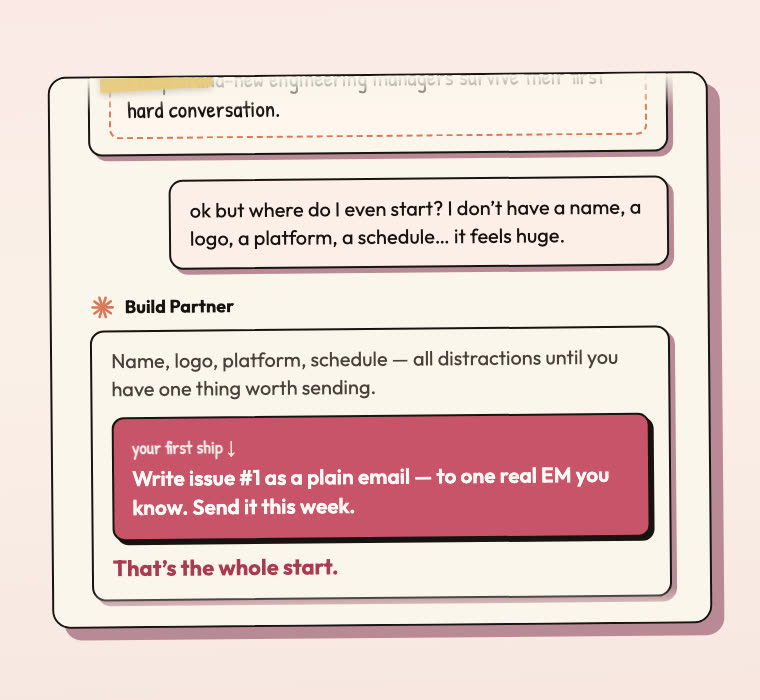
You typed "help me ship my side project" into Claude. It gave you a Notion-flavored plan and three follow-up questions. You closed the tab.
That's not a build partner. That's a polite intern with no context.
This picks a side. Same Claude.ai window. Different brain.
One skill. The whole ship arc.
Five simple steps — from picking what to build all the way to your first sale. The skill always knows which step you're on.
Phase 01
Decide
What to build (or what to kill).
- ·Discovery
- ·Idea Bank
- ·Day-Job Decision
Phase 02
Diagnose
Find the actual stuck pattern.
- ·Build Audit
- ·Stuck Diagnosis
Phase 03
Scope
Cut to a 10-day shape.
- ·Scope Guillotine
Phase 04
Ship
The rhythm that actually finishes.
- ·10-Day Sprint
- ·6-Week Roadmap
- ·Launch Plan
Phase 05
After
First sale, validation, what's next.
- ·Validation Kit
- ·Full Pipeline
No matter where you enter, the skill knows which phase you're in.
30 seconds. Four clicks.
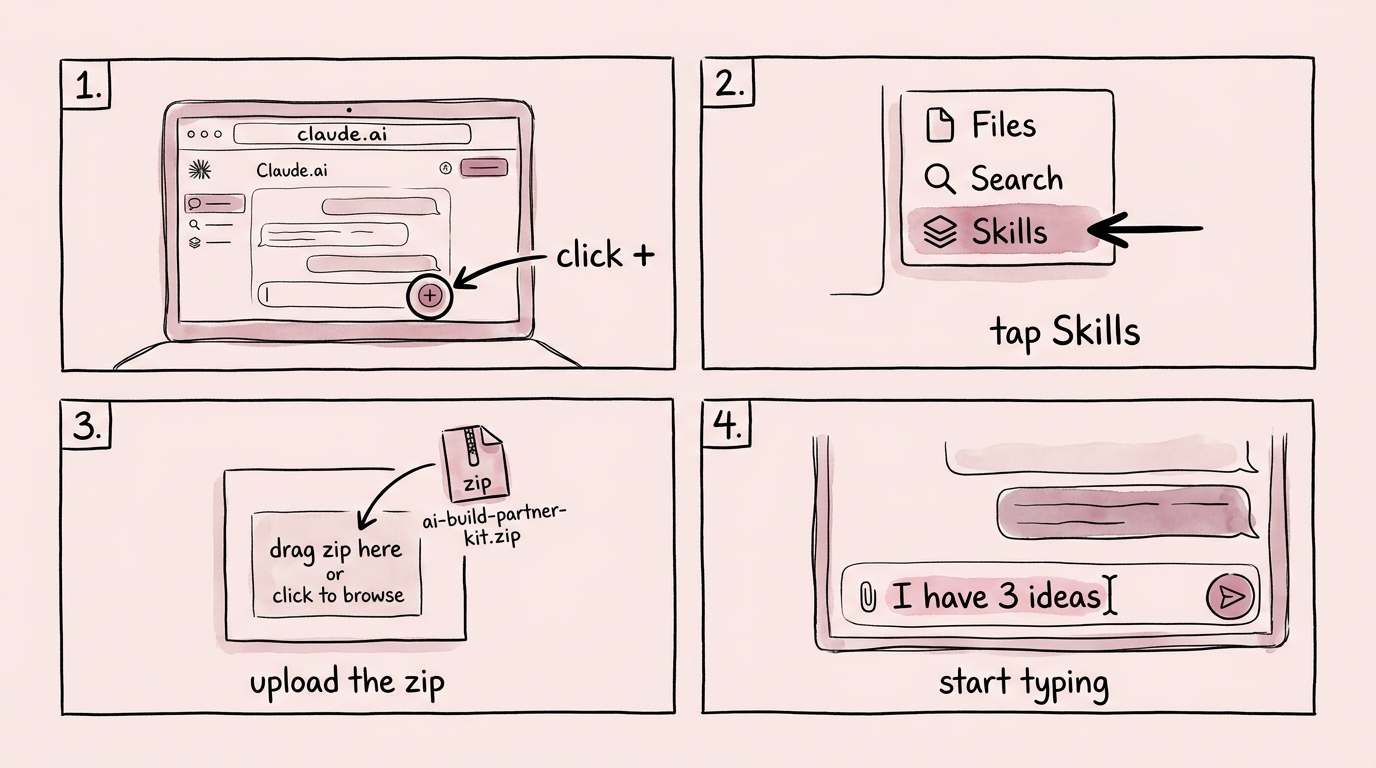
that's it ↑
See the starters below for what to type first.
- Senior tech employees with a Claude.ai sub (free tier fine) and a side project that's been "almost ready to ship" since 2024.
- People who already use AI daily but keep getting platitudes when they ask it about their own work.
- Builders who want a real method, not a pep talk.
- Anyone who wants done-for-you. The AI walks you through your own decisions. It won't write the code or run the launch.
- People who don't already use Claude. Set up the account first — this is useless without it.
- Anyone looking for "10x productivity hacks." This is a method, and methods are boring on purpose.
Five starters. Five archetypes.
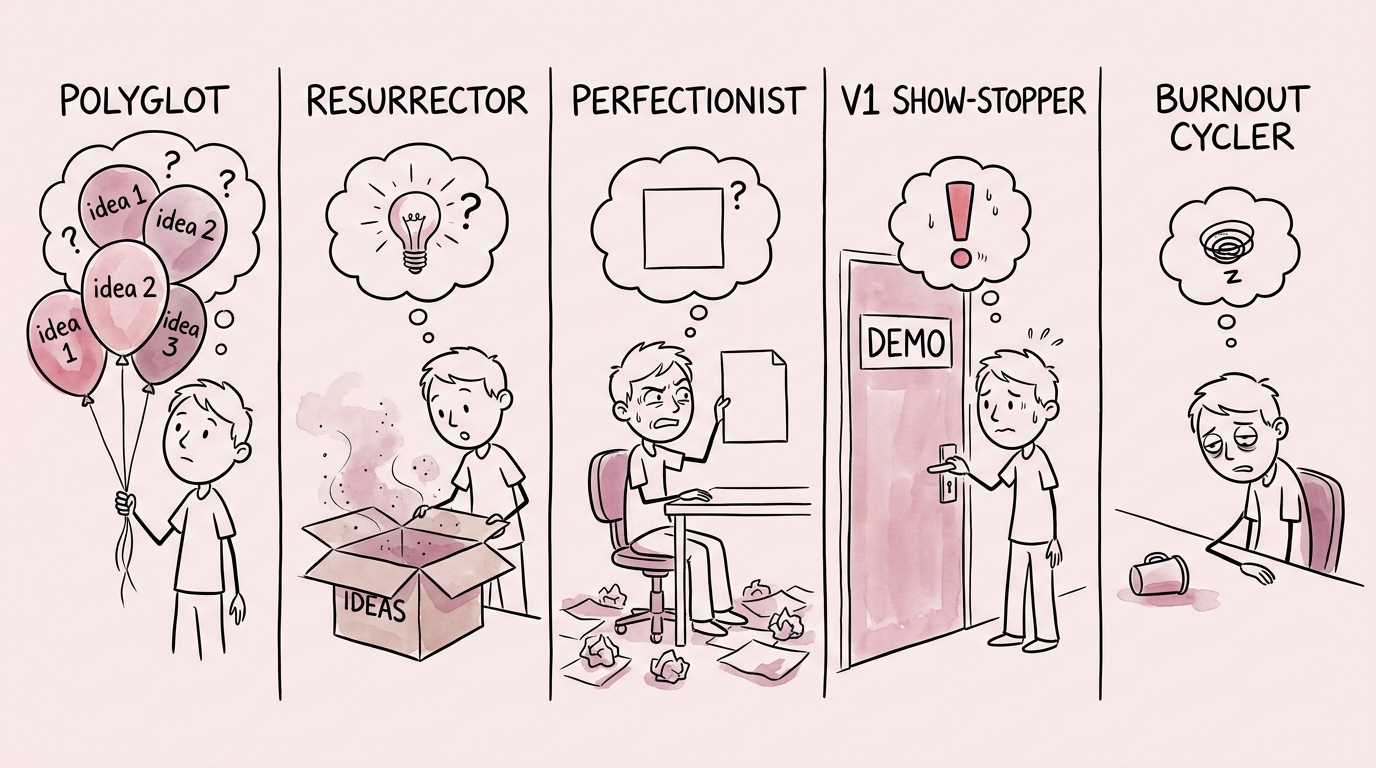
Polyglot
“I have 3 ideas.”
Resurrector
“It's in a drawer.”
Perfectionist
“I'm rewriting drafts.”
V1 Show-Stopper
“Nobody's seen it.”
Burnout Cycler
“I'm just stuck.”
Whichever one you are, it has a playbook for you.
The free skill is the door. The Kit is the playbook.
Each one is its own Claude.ai skill. Install whichever you want. The free Partner detects the others and gets smarter when they're around.
Free · Always
The free Claude skill
For when you don't know what to build
Use it when…
- You have 3 ideas
→ picks the one that ships, kills the others - You keep starting and abandoning
→ names the stuck pattern, gives a different playbook - You're thinking about quitting your job
→ runs the runway math + scripts the conversation - You have a project in a drawer
→ tells you to revive, redesign, or kill
↳ install in 30 seconds
+Kit · $74.50 with LAUNCH50 · Most popular
Ship It Kit
For when you know what to build but need to ship it
Use it when…
- You're staring at a blank landing page
→ drafts all 8 sections in your voice - Launch is Friday and you have no emails
→ writes the 5-email sequence and schedules sends - You don't know how to take money
→ wires Stripe or Gumroad + the receipt + delivery - You need a 90-day path to first sale
→ the Playbook gives you the dates and the checkpoints
↳ Partner defers all depth to the Kit
+Marketing OS · $39.50
Marketing OS
For when you've sold one and need to sell a hundred
Use it when…
- First sale landed but you have no audience
→ builds the offer ladder + cold list - Your copy sounds like everyone else
→ Schwartz awareness levels lock the angle - Pricing feels too low (or too high)
→ Hormozi offer math + Belcher comp anchors - You have to write the whole launch sequence
→ Brunson hooks + Cialdini influence, stacked
↳ separate skill · different brain
The skill has opinions.
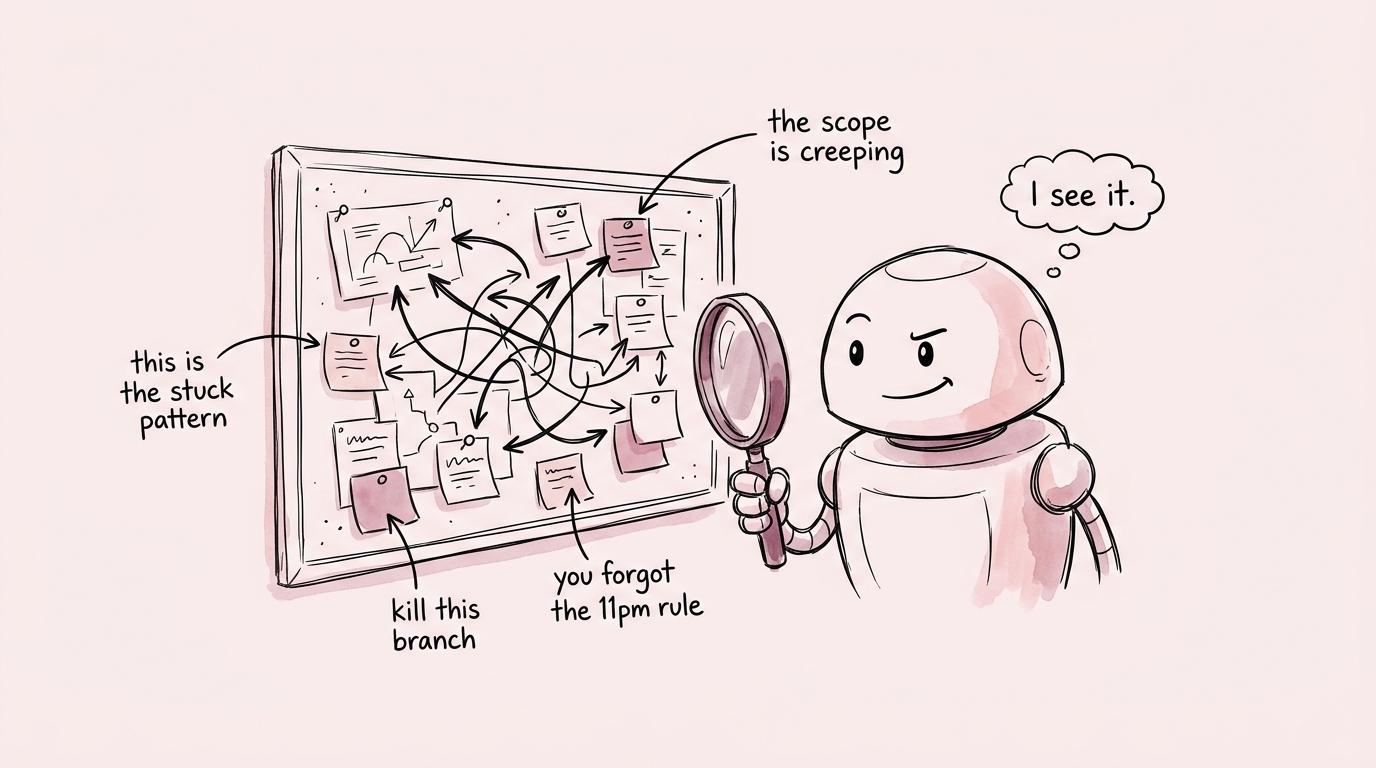
the skill noticing something you didn't ↑
It calls out the serial killer
Tell it you've started six projects in a year, it stops you on Step 0 and runs the override before letting you start a seventh.
It detects re-entry
If you've talked to it before about the same project, it picks up where you left off instead of asking you to re-explain.
It saves your work as you go
Every response ends with a 📌 Save this turn block — verdict + move + open question. Paste it into your Project file. You'll have a paper trail.
It knows your tools
If you have Notion, Calendar, or Gmail MCP connected, it offers to create the doc / book the block / draft the email. No copy-paste tax.
It reframes the over-builder
Estimating 6+ months for a side project? It interrupts the spec and asks what the 10-day version looks like. Then defends that scope when you try to add to it.
It runs the Curious Stance
When you're stuck and grumpy, it doesn't cheerlead. It asks one specific question that surfaces the actual constraint. Usually it's not what you thought.
There are more. Install it and find them.
Frequently asked.
Is it really free?
Yes. If you love it you might buy the Kit later. If not, you don't. The skill works standalone.
Why not just write the prompts myself?
You could. The 30 modules come from years of 1:1 build partnerships — the questions, the order, the names. You're skipping six months of figuring out which prompts actually work.
Do I need paid Claude.ai?
Free tier works. You'll hit message limits faster on long sessions, but the skill runs on any plan.
What happens to my data?
Conversations stay in your Claude.ai account. I don't see them. The skill is just a file — it doesn't phone home.
What if I install it and hate it?
Delete the skill. Ten seconds. Back to normal Claude. Nothing changed.
Install it. Talk to it. See what happens.
Sixty seconds after install you'll know. Everything else it'll walk you through.